Trade replay

See every trade the way it really happened.

Replay the trades you actually took, candle by candle, with your entries and exits on the chart. Slow down the moments that mattered and write down what you learn.

Included in Premium · Works with synced, imported and manual trades

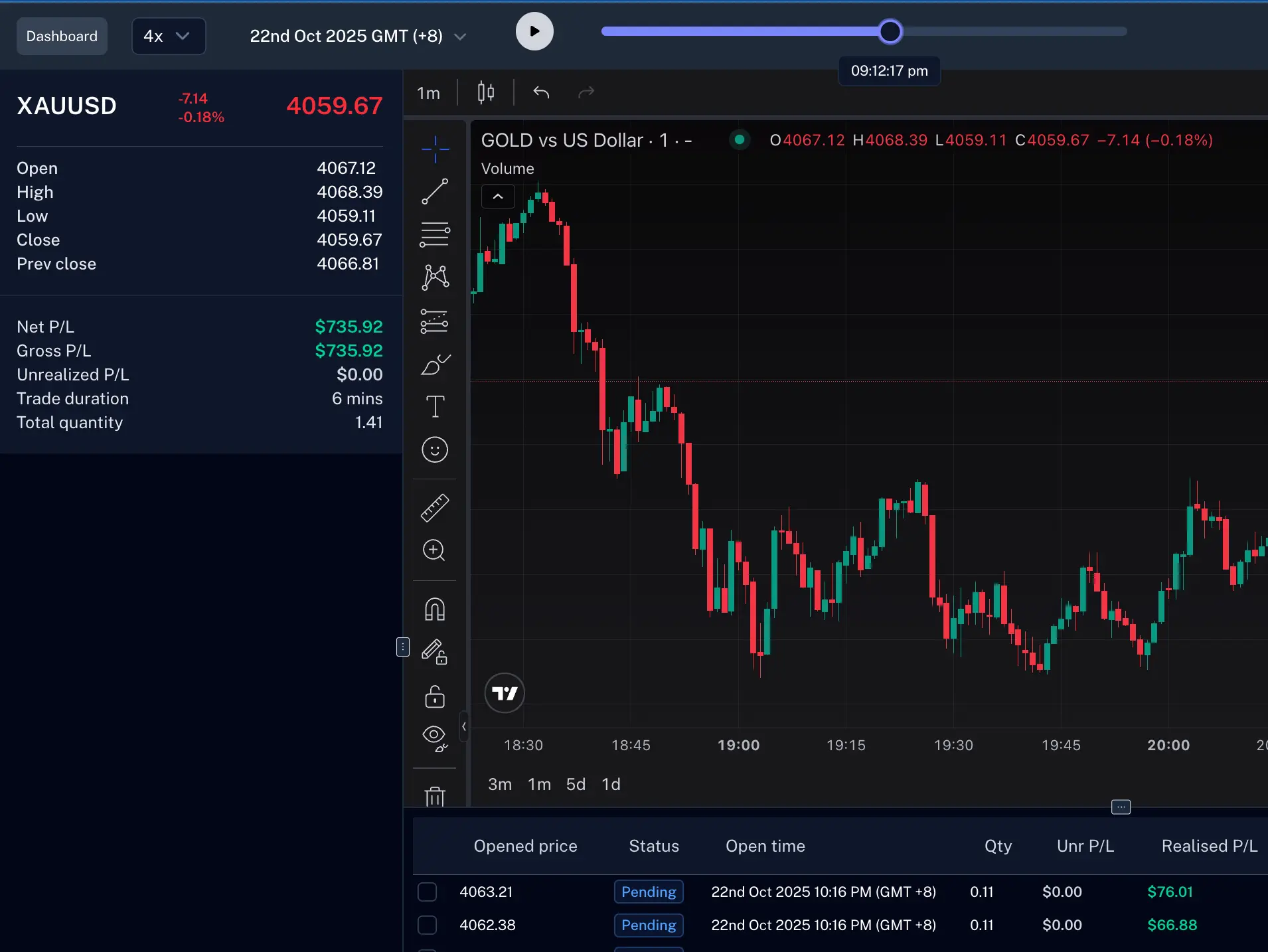
Trade replay showing a gold chart with the replay timeline, trade stats and executions
The problem

Live trading moves too fast to learn from

In the moment you're managing risk, not studying. By the time it's over, the details are gone.

  • Memory rewrites the trade

    A calm chart after the close hides how it felt at the time. You remember the story, not what you actually did.

  • The P&L hides the why

    Was the level clean? Did you chase? A number in a spreadsheet can't tell you what led to the result.

  • Mistakes quietly repeat

    Without watching your own execution, a moved stop or an early exit keeps happening week after week.

How it works

Review your day in minutes

Go from a day on the calendar to a written lesson without switching apps.

  1. 1

    Pick a day

    Open the calendar, see each day's P&L, and filter down to the trades you want to study.

  2. 2

    Choose your trades

    Select one trade or the whole session. They play in order, and you always know what's up next.

  3. 3

    Watch, then write it down

    See your entries and exits appear as price moves, and note the lesson while it's still fresh.

Every order, exactly when it happened

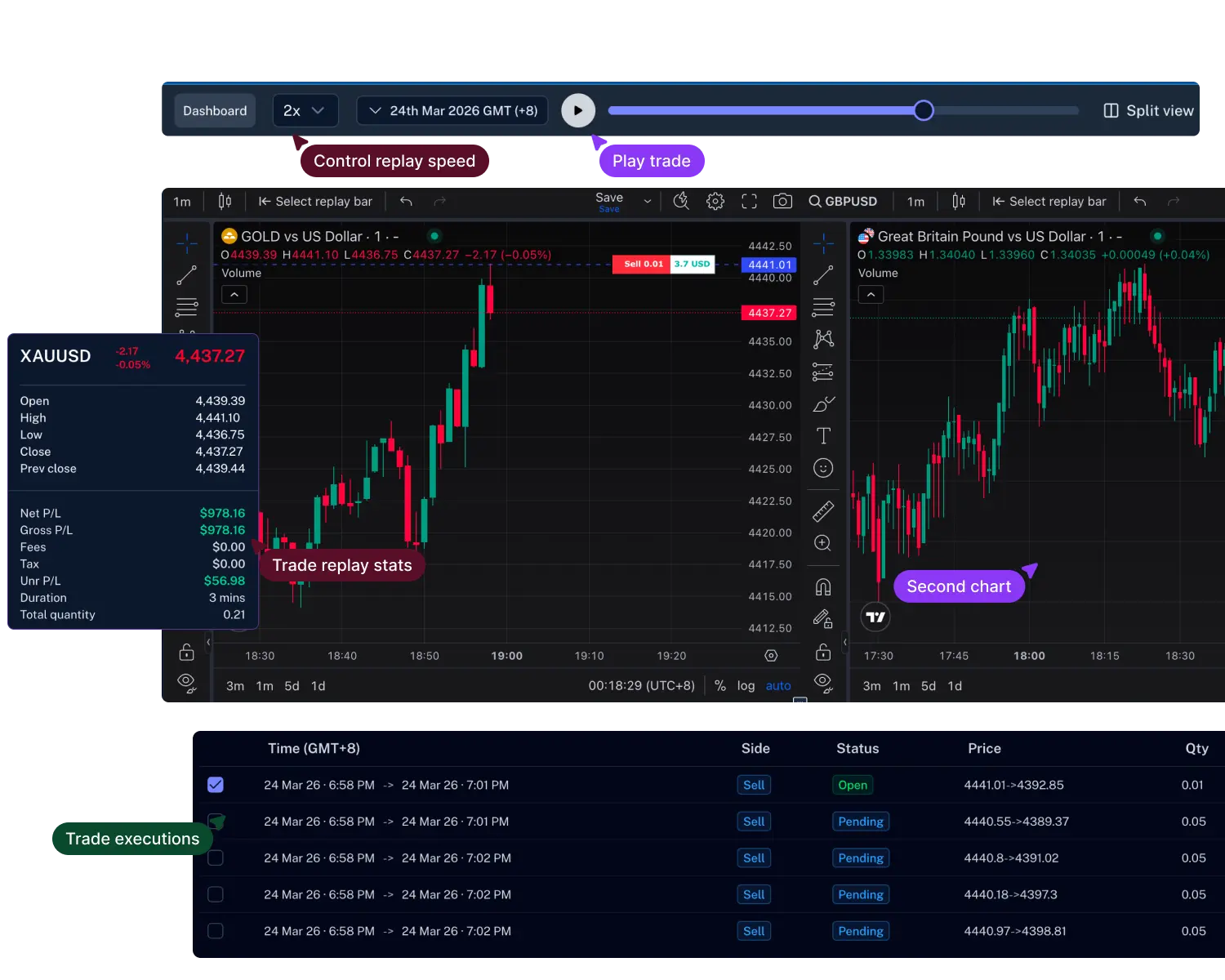
Your executions are drawn on the chart and listed underneath, with P&L as it stood at that moment in the replay.

  • Entries, exits and price levels on the moving chart
  • Running P&L that follows the replay clock
  • Click any order to jump straight to it
  • Net P&L, fees and duration at a glance
Trade replay with the chart, trade stats and a table of executions

See the bigger picture

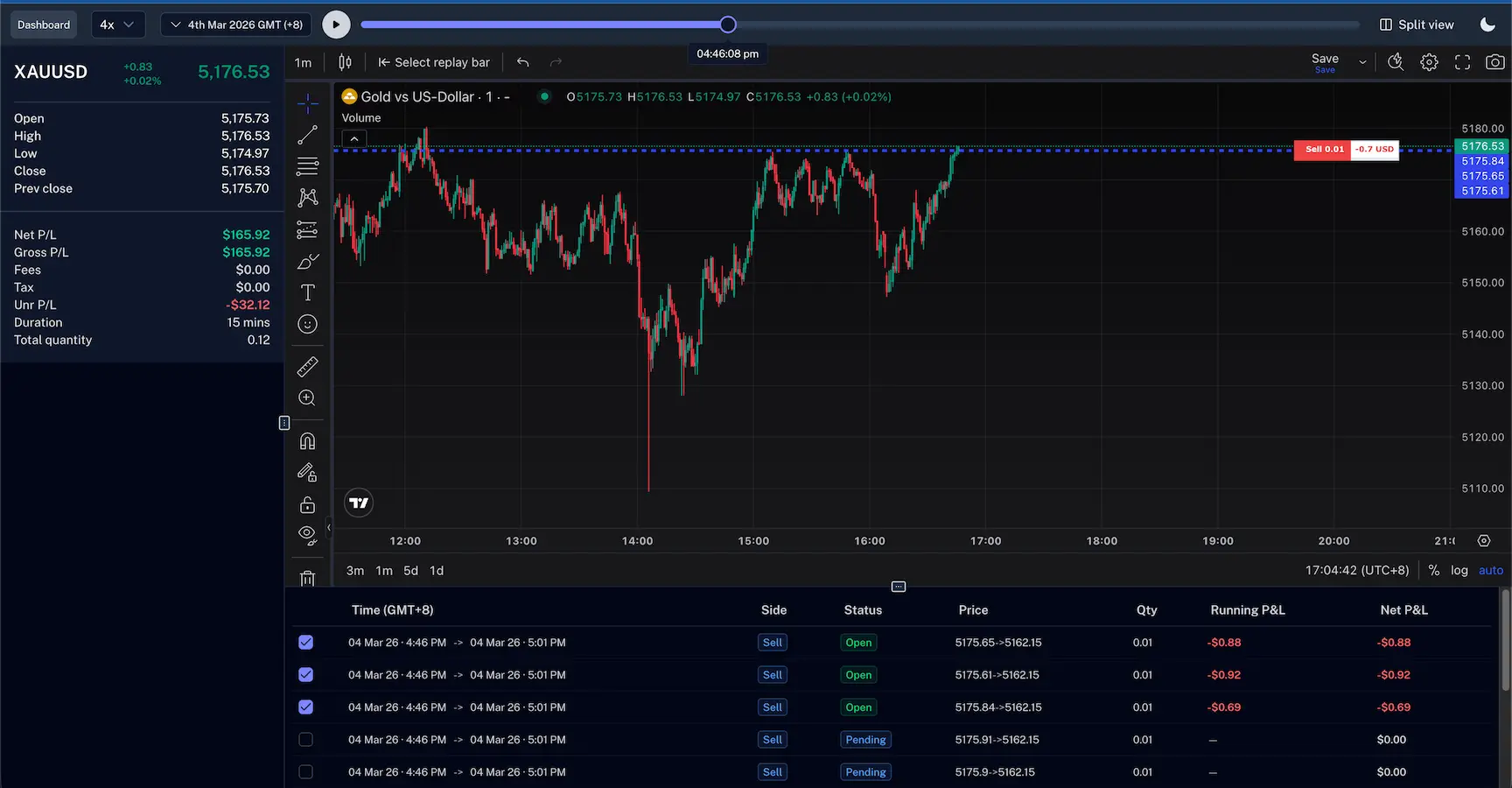
Add more charts to see what related markets or higher timeframes were doing while you were in the trade.

  • Up to four charts in sync
  • Compare related markets side by side
  • Set the replay speed, or step one candle at a time
  • Watch bigger candles form minute by minute
Two replay charts side by side with speed controls, trade stats and executions

Journal while it's fresh

Your journal sits right beside the chart. Write about a single trade or the whole day without leaving the replay.

  • Trade notes and daily notes next to the chart
  • Tag mistakes and setups as you spot them
  • Check targets against what really happened
  • Day stats and calendar in the same panel

Built for honest reviews

Small things that make reviewing your trades quicker, every day.

  • Whole-day replay

    Play every trade from a session in order.

  • Up to 4 charts

    Different markets or timeframes, all in sync.

  • Control the speed

    Slow down for entries, speed through the rest.

  • Skip quiet time

    Jump past the gaps between your trades.

  • Jump to any order

    Go straight to an entry, exit or scale.

  • Keyboard shortcuts

    Play, pause and step without the mouse.

  • Hide P&L

    Keep your numbers private when sharing a screen.

  • Works on mobile

    Review your day from your phone.

Trade replay or backtesting? Use both.

One shows you what you did. The other lets you practice what you should do next. Together they close the loop.

You're here

Trade replay

Learn from the trades you actually took.

  • Your real trades, with your real money and emotions
  • Check your entries, exits and timing
  • Spot the habits that cost you
  • Best for daily and weekly reviews

Backtesting

Practice on history before you risk anything.

  • Any date in the past, with no real money at stake
  • Test a new setup or rule
  • Get many reps in a short time
  • Best for building and proving a strategy
Explore backtesting

Questions, answered

Can't find what you're looking for? Email our support team and we'll get back to you.

support@tradersign.com

Trade replay plays back the market around the trades you actually took, candle by candle, with your entries and exits on the chart. It helps you review your decisions with the full context.

Any trade in your journal, whether it was synced from your broker, imported from a file or added by hand, as long as we have price history for that symbol.

Yes. Pick a day from the calendar and choose which trades to include. They play one after another, and you can skip the quiet time in between.

Trade replay reviews trades you really took, with real money on the line. Backtesting lets you practice on any past date without risking anything. Many traders use replay to find a mistake, then backtesting to practice fixing it.

Yes. Trade notes, daily notes and tags sit in a panel beside the chart, and everything you write is saved to your journal.

Trade replay is part of the Premium plan. The pricing page lists everything each plan includes.

Your next trade deserves a second look.

Connect your broker once and every trade is logged for you. Your first review takes minutes.